@fluidcad/fasteners
Fasteners for FluidCAD, built on the custom-features SDK (fluidcad/sdk):
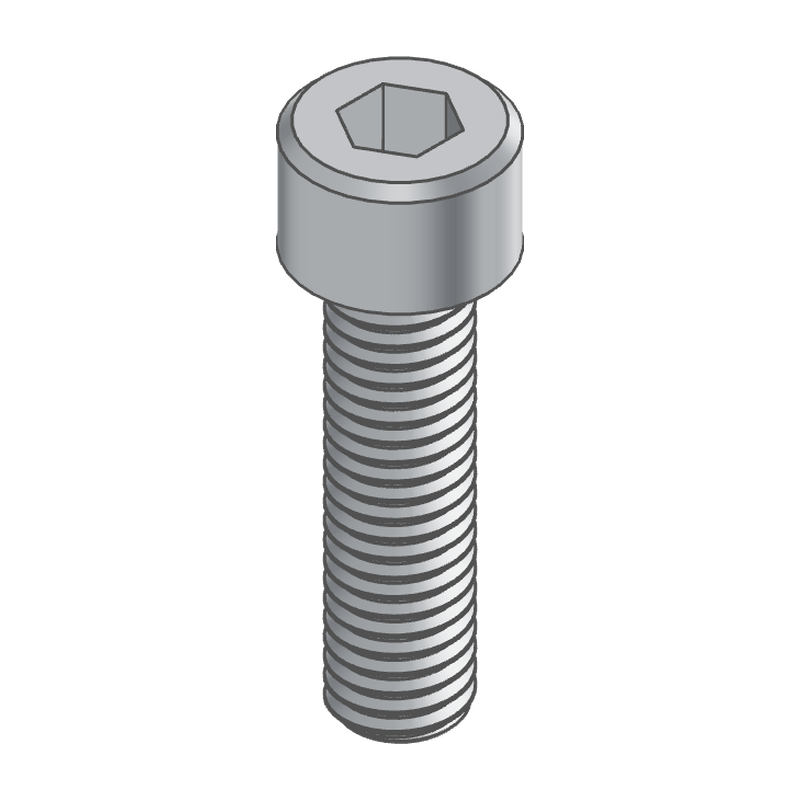
screws and bolts with every common head and drive, set screws, shoulder
screws, nuts, washers, threaded rods, standoffs and pins, in metric (ISO)
and inch (ASME) sizes. Each is a body of its own, and its thread is plain
or modeled as a true helix.
npx fluidcad install @fluidcad/fasteners
import { screw, nut, washer } from '@fluidcad/fasteners';
| feature | id | what it makes |
|---|---|---|
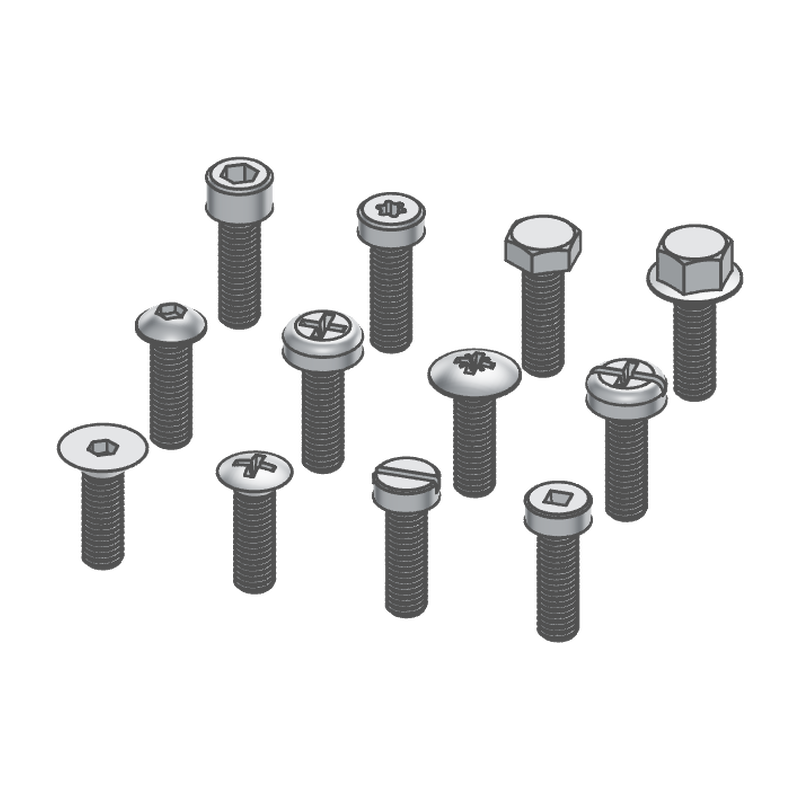
screw | screw | a screw or bolt: socket cap (standard, low, ultra low), hex, hex flange, rounded (button, pan, truss, round), flat or oval countersunk, or cheese head; hex, Torx, Phillips, Pozidriv, slotted, square or combination drive; fully or partly threaded |
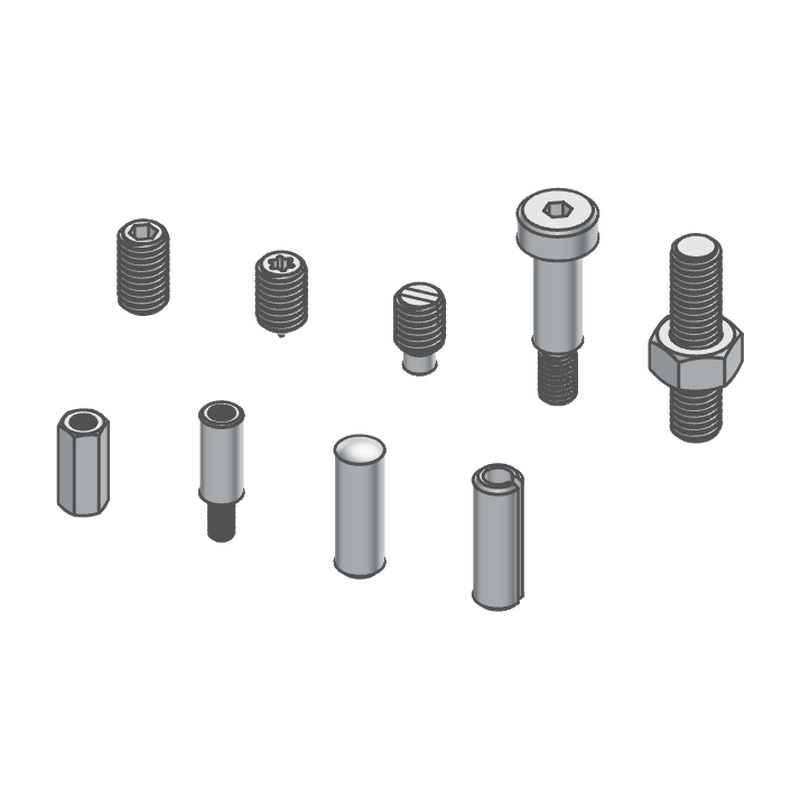
setScrew | setScrew | a headless set screw: hex, Torx or slot drive; cup, flat, cone, dog or oval point |
shoulderScrew | shoulderScrew | a shoulder screw: socket head, precision shoulder, undercut neck, shorter thread |
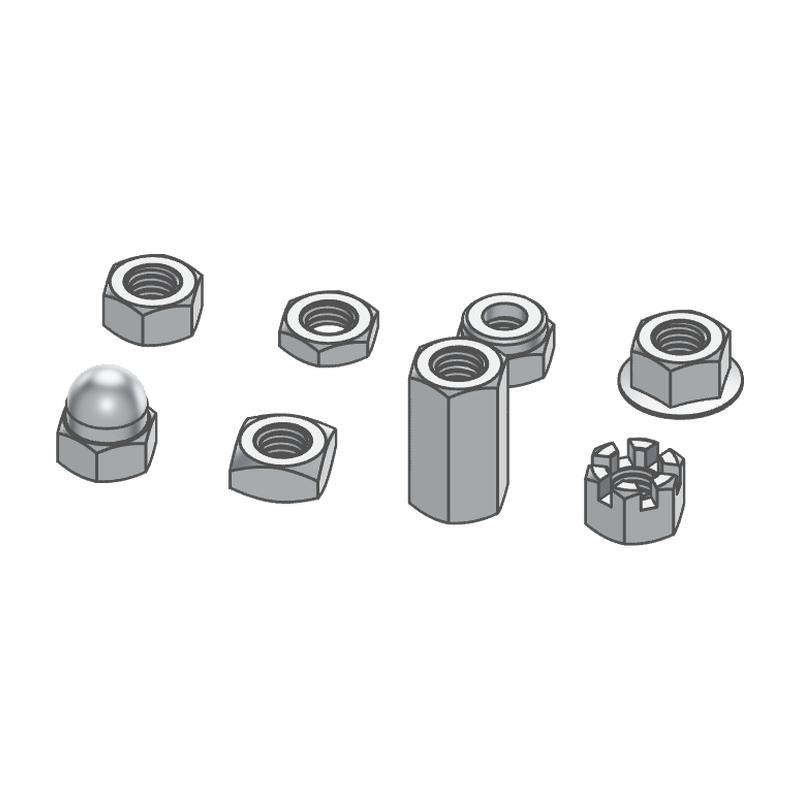
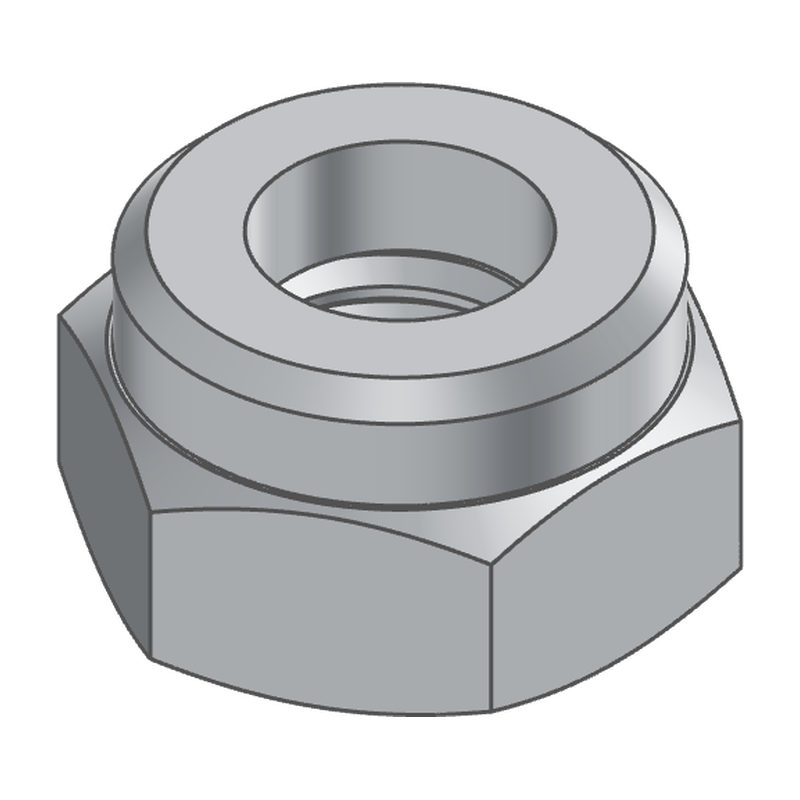
nut | nut | a hex, jam, nylon insert, flange, acorn, square, coupling or castle nut |
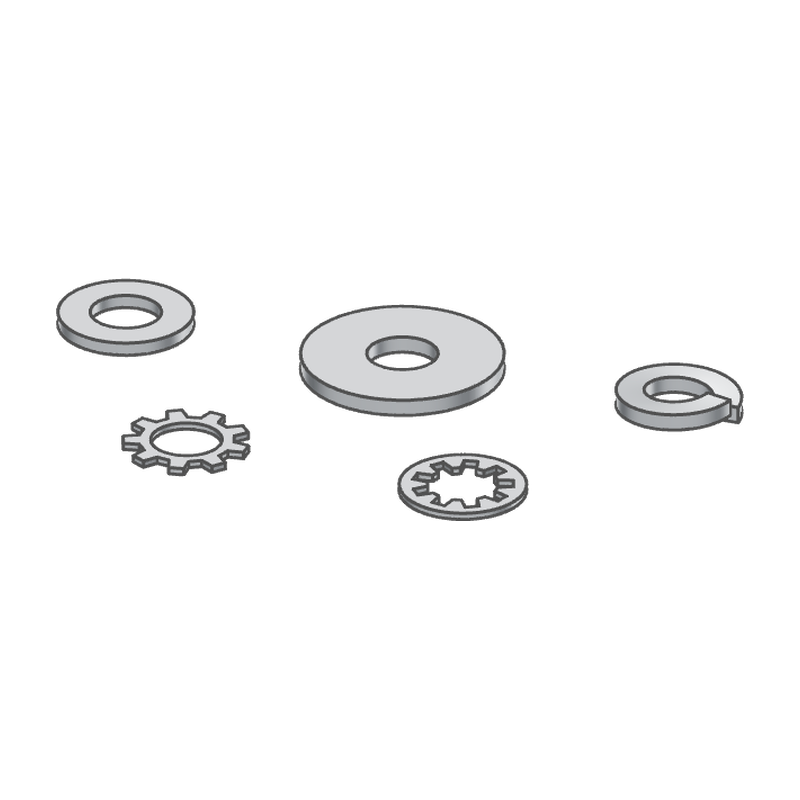
washer | washer | a flat, wide, split lock, or external or internal tooth lock washer |
threadedRod | threadedRod | a threaded rod or stud, both ends chamfered |
standoff | standoff | a hex or round standoff, female or male at each end |
pin | pin | a dowel pin, or a slotted spring pin |
| part | what it is |
|---|---|
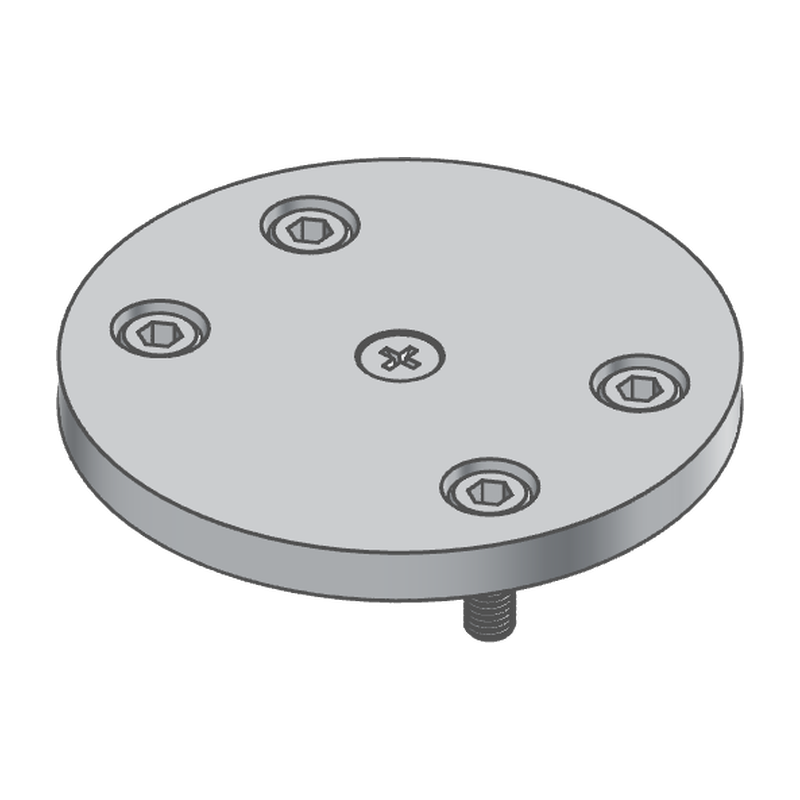
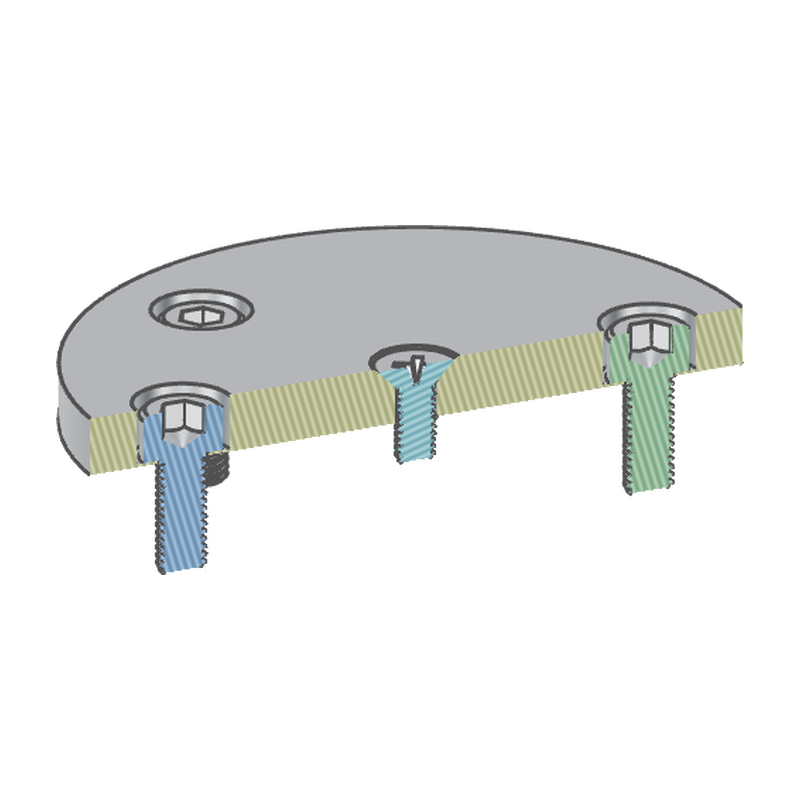
screwedCover (parts/screwed-cover.part.js) | a round cover held by screws picked at its holes: four M5 socket cap screws from one statement in counterbored holes, an M4 countersunk screw flush in the middle |
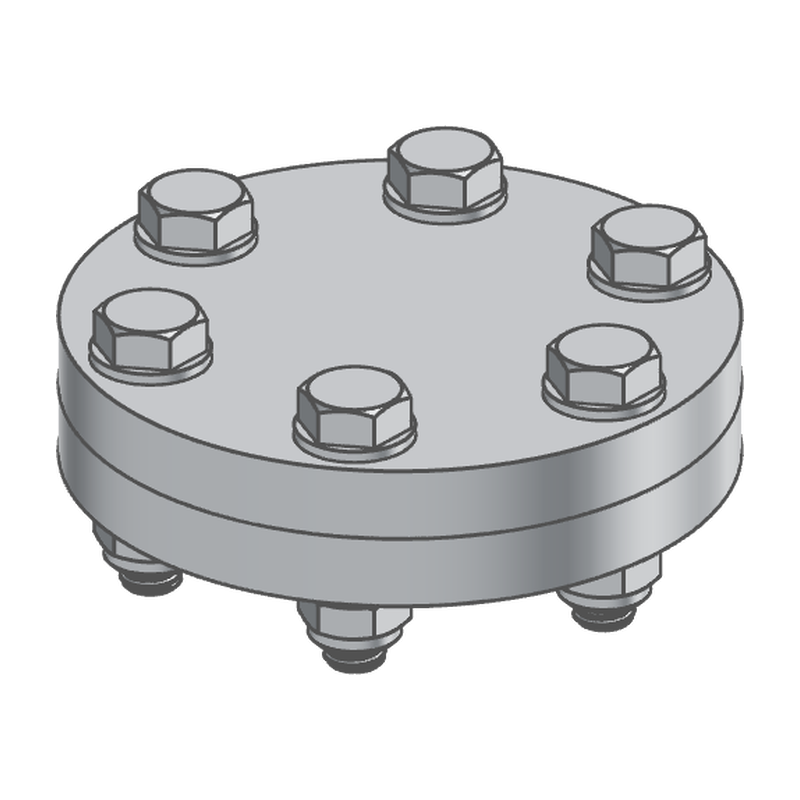
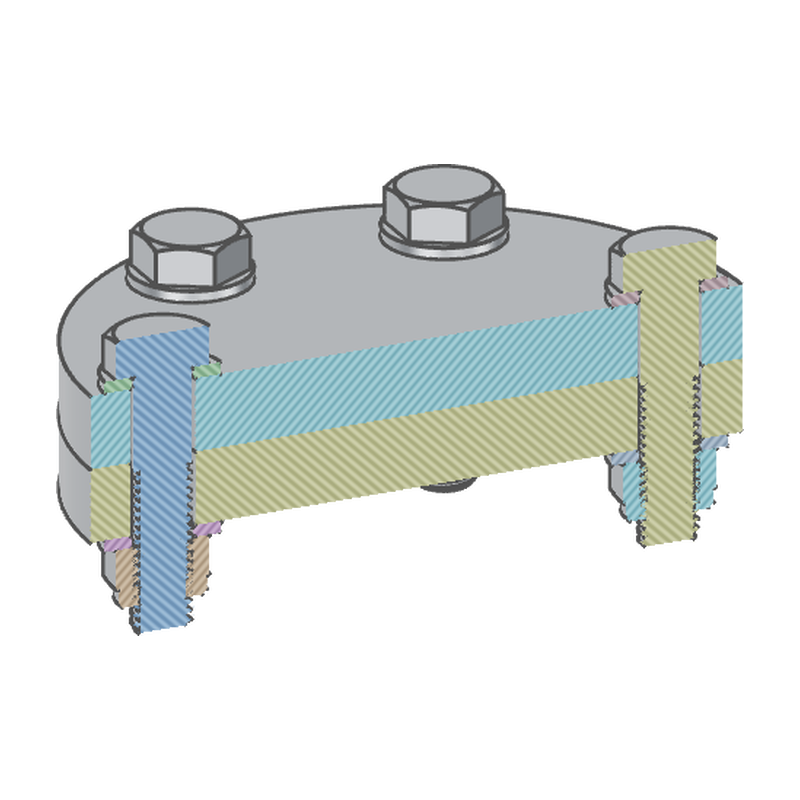
boltedFlange (parts/bolted-flange.part.js) | two flanges bolted together on a bolt circle: six hex bolts, each with a washer under its head, a washer and a nylon-insert nut below, the washers' bores chamfered |
metricScrew (parts/metric-screw.part.js) | a metric screw with Size, Length, Head and Modeled threads parameters, and a seat connector where its head bears, for an assembly to insert and mate |
metricNut (parts/metric-nut.part.js) | a metric nut, its Size and Style parameters, its seat connector |
metricWasher (parts/metric-washer.part.js) | a metric washer, its Size and Style parameters, its seat and top connectors |
Using them
// On the top face over a hole: a washer, and a bolt on it, raised by the
// washer's thickness (a connector 1.6 up). Below the lower plate, whose
// face points down: a washer, and a locknut 1.6 further down.
washer(connector("top", upper.endFaces()).offset(35, 0, 0), { size: "M8" });
screw(connector("onWasher", upper.endFaces()).offset(35, 0, 1.6), { head: "hex", size: "M8", drive: "none", length: 35, threading: "partial" });
washer(connector("under", lower.startFaces()).offset(-35, 0, 0), { size: "M8" });
nut(connector("underWasher", lower.startFaces()).offset(-35, 0, 1.6), { size: "M8", style: "nylon" });

// A countersunk Torx screw flush in a lid, its thread modeled.
screw(lid.endFaces().center(), { head: "flat", drive: "torx", size: "M4", length: 12, threads: true });

// Screws picked at a hole: one in each of the hole's placements, sized by
// the hole (M5, socket head for its counterbore), seated on the
// counterbore's floor. Only the length is the statement's to say.
const bores = hole("M5", a.center(), b.center(), c.center(), d.center()).counterbore();
screw(bores, { length: 12 });
Every feature takes the same first argument and placement:
- Where it stands:
atis a connector, a point, an anchor on a face or an edge (a hole's rim centres it on the hole) — or ahole()itself, picked in the timeline: the fastener stands in every placement of the hole. Left out, it's the origin, with its axis along Z. The fastener's axis is the location's Z, which points out of the material. A head bears on the location with its shank going down into the material. A nut, a washer, a standoff, a threaded rod and a pin stand on it. To stack one on another (a bolt on a washer), place it at a connector offset along the face's normal by the thickness below it. - At a hole, a screw is what the hole was drilled for: its
systemandsizeare the hole's (hole("M6", …)), itspitcha tapped hole's (or the one a clearance hole.fasten()s), itsheadthe recess's —flatat the countersink's angle in a countersunk hole,socketin a counterbored one — and it seats in the recess: on a counterbore's floor, flush in a countersink. The dialog shows those rows locked; a value the statement passes for one of them is ignored, with a warning on the row. A hole drilled to a plain diameter fixes only what its recess says. systemnarrows the dialog's sizes to metric or inch. A hand-written call may pass any size.- Modeled threads (
threads: true) is off by default. Off, a thread is plain at its major diameter and a tapped bore at its minor diameter (how a drawing shows them), and it builds in milliseconds. On, a 60° thread with the basic ISO profile is wound on as a helix, right- or left-handed (hand), and takes a second or more to build. Every dialog previews from the start (no Preview toggle); the preview keeps threads plain. - Units. The size tables are in millimetres. In a model written in another unit, a fastener's lengths are read in that unit and its standard sizes are converted, so a 1/4-20 bolt is 0.25" in an inch model.
- New bodies only. Each statement keeps its fastener as a separate
solid (
newis its only operation).
The values, their defaults and the buckets (startFaces is where the
fastener bears, plus named ones such as headFaces, driveFaces,
threadFaces and boreFaces) are on each feature's page in docs/.
Geometry
The fasteners are planned as plain data (features/lib/spec.js), then built
in OpenCascade (features/lib/occ-build.js, occ-thread.js):
- Bodies are half-sections revolved about the axis (heads, shanks, points, domes, collars), with outlines swept along it and booleans where a shape isn't round: a hex or a square chamfered at 30° by a revolved cone, the slots of a castle nut, the teeth of a lock washer.
- Drives are cut last. A hex or Torx socket is the outline swept down to a 118° drill point. Phillips, Pozidriv and square recesses are lofts that narrow as they go down, and a slot runs across the head. The faces the cut makes are the drive's bucket, read from the cut's own history.
- Threads are a ridge wound between two helical strips: one on the root cylinder, one on the crest cylinder. Each strip is bounded by exact helices, drawn as straight lines in the cylinder's parameters. The two are lofted with ruled faces, so the flanks are straight at 60° in every half-plane through the axis. The ridge is trimmed to an envelope (45° chamfers, a runout cone, a nut's countersinks), fused onto the core at the minor diameter (or into a bore at the major), and mended with ShapeFix. If a ridge trims to nothing, it is started a little lower and tried again (the thread's phase is free). A castle nut's modeled thread stops under its slots.
Layout
fluidcad.json   the package block (@fluidcad/fasteners)
features/       one module per fastener, its icon (icons/) and its dialog pictures (img/)
  lib/            plain ES modules the features import
    data.js         the size tables: ISO, DIN and ASME dimensions by size
    profile.js      plane outlines: hexagons, Torx lobes, crosses, teeth, domes
    spec.js         what a fastener is made of: its solids, threads, drive, buckets
    dialog.js       the dialog rows and choices the features share
    fastener.js     the shared build: made, sorted into buckets, placed
    occ-build.js    OpenCascade: revolves, prisms, lofts, booleans, the drive's cut
    occ-thread.js   OpenCascade: the thread's helical ridge
parts/          the example parts: a bolted flange, a metric screw, nut and washer
docs/           a page per feature
These stay in the workspace and never ship: sandbox.part.js, a bench with
one of each head, drive, point and style; tests/ (vitest unit tests for
features/lib); tools/ (the icon and picture scripts); and the npm files.
Development
npm install
npm test            # unit tests
npm run typecheck   # checkJs over the workspace (needs fluidcad linked: npm link fluidcad)
npx fluidcad pack   # → fluidcad-fasteners-<version>.fluidpkg
Icons are rendered in Blender in the FluidCAD pack's 3D language, each
fastener in the family accent #E08A1E (amber); the washer sits under a white
bolt's head and the threaded rod carries a white nut. To render them, run
flatpak run org.blender.Blender -b --python-expr "exec(open('tools/icons/generate_fastener_icons.py').read()); main()"
(or exec(…); main() through the Blender MCP), then
python3 tools/icons/sheet.py (needs Pillow) for the contact sheet. The
dialog pictures are SVG, drawn from the features' own geometry:
node tools/svg/generate_svg.mjs.
Lengths are millimetres.

 Hex
Hex Jam
Jam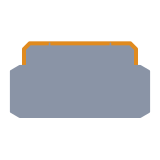 Nylon insert
 Flange
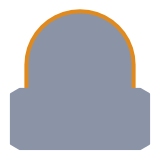 Acorn
Acorn Square
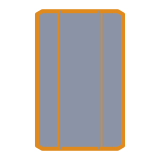 Coupling
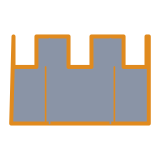 Castle
 Dowel
Dowel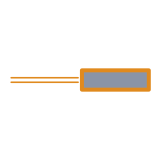 Spring
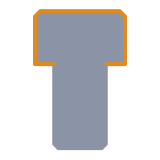 Socket
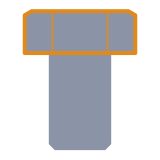 Hex
Hex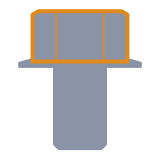 Hex flange
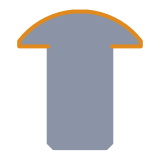 Rounded
 Flat
Flat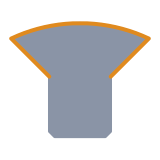 Oval
Oval Cheese
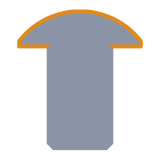 Button
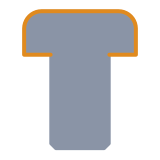 Pan
Pan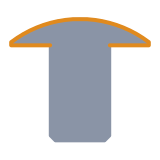 Truss
Truss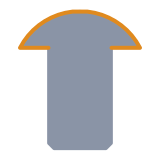 Round
Round External hex
 Hex
Hex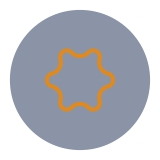 Torx
Torx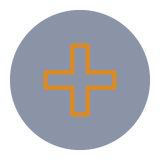 Phillips
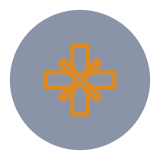 Pozidriv
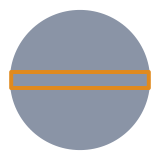 Slotted
 Square
 Combination
 Cup
Cup Flat
Flat Cone
Cone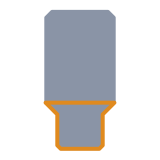 Dog
Dog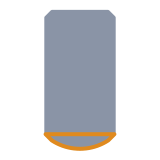 Oval
Oval


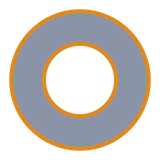 Flat
Flat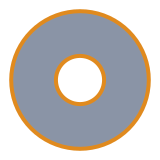 Wide
Wide Split lock
 External tooth
 Internal tooth