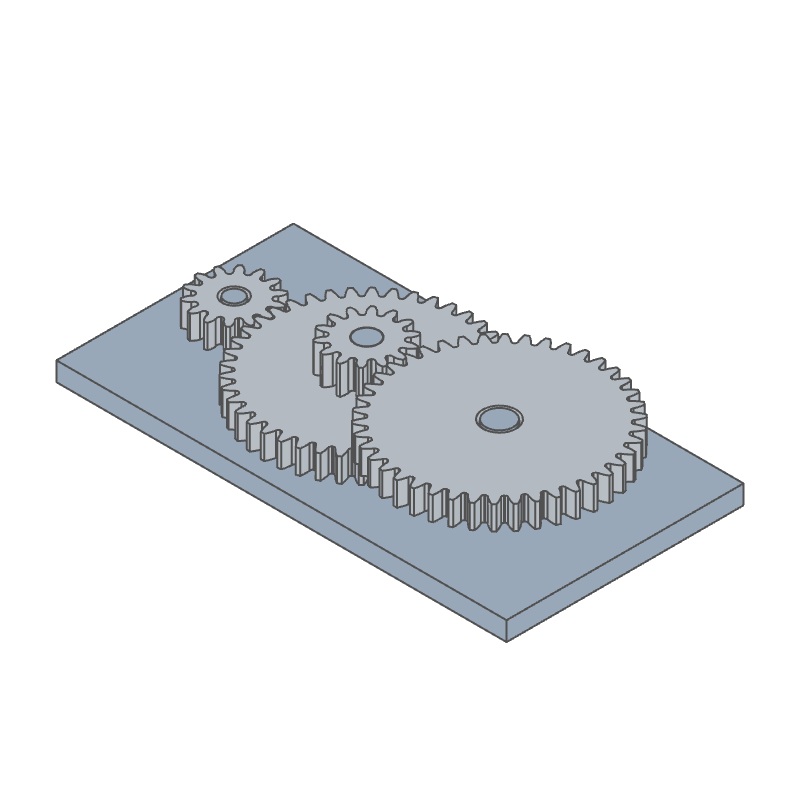
@fluidcad/gears
Gear features, parts and assemblies for FluidCAD, built on the
custom-features SDK (fluidcad/sdk).
npx fluidcad install @fluidcad/gears
import { gear, gearTeeth, internalGear, rack } from '@fluidcad/gears';
| feature | id | what it makes |
|---|---|---|
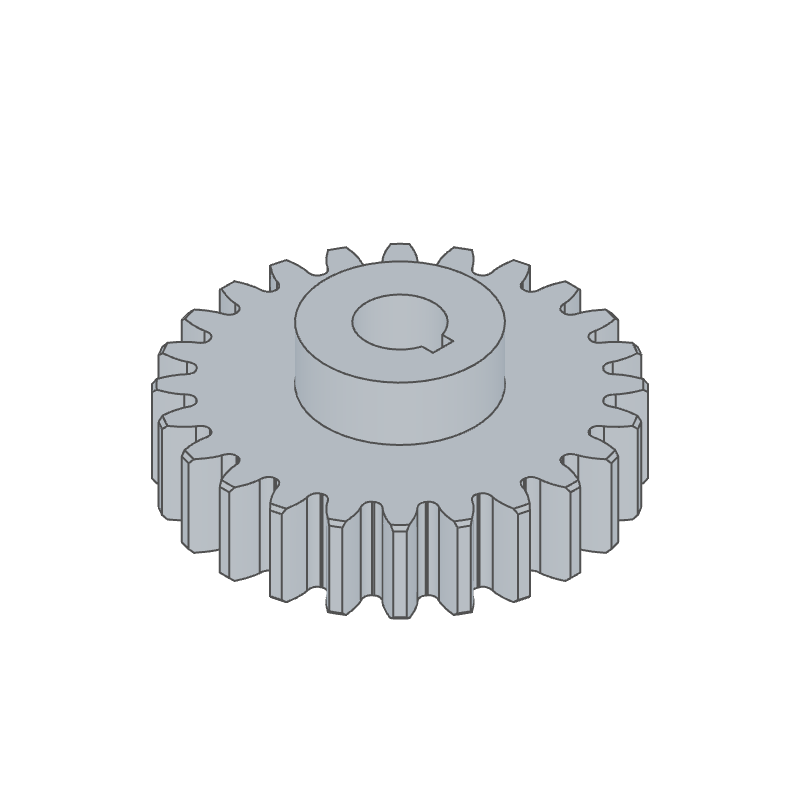
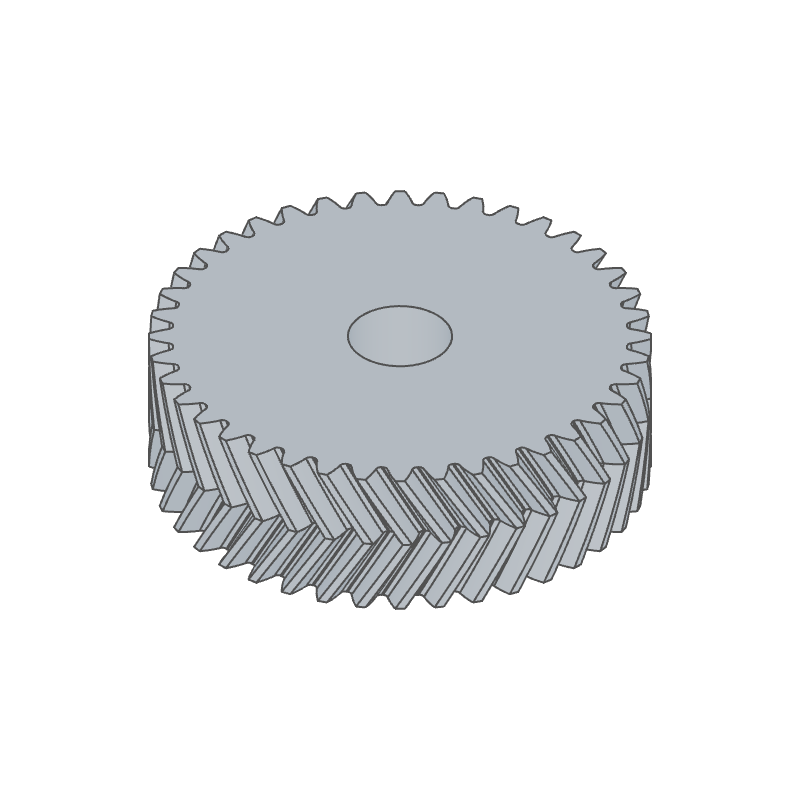
gear | gear | a spur, helical or herringbone gear with hub and bore options |
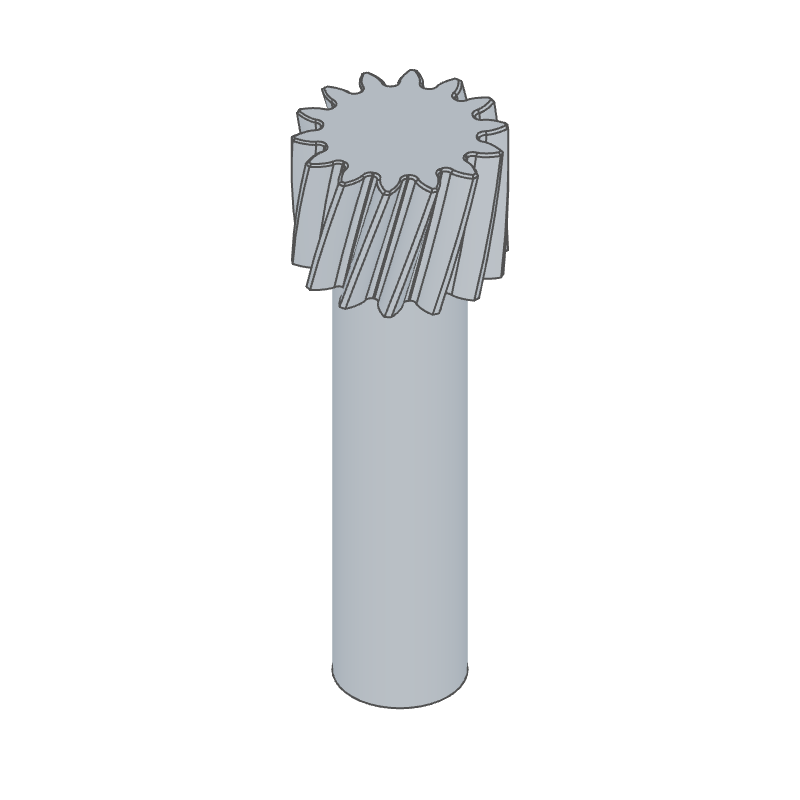
gearTeeth | gear-teeth | involute teeth cut into an existing shaft or bore |
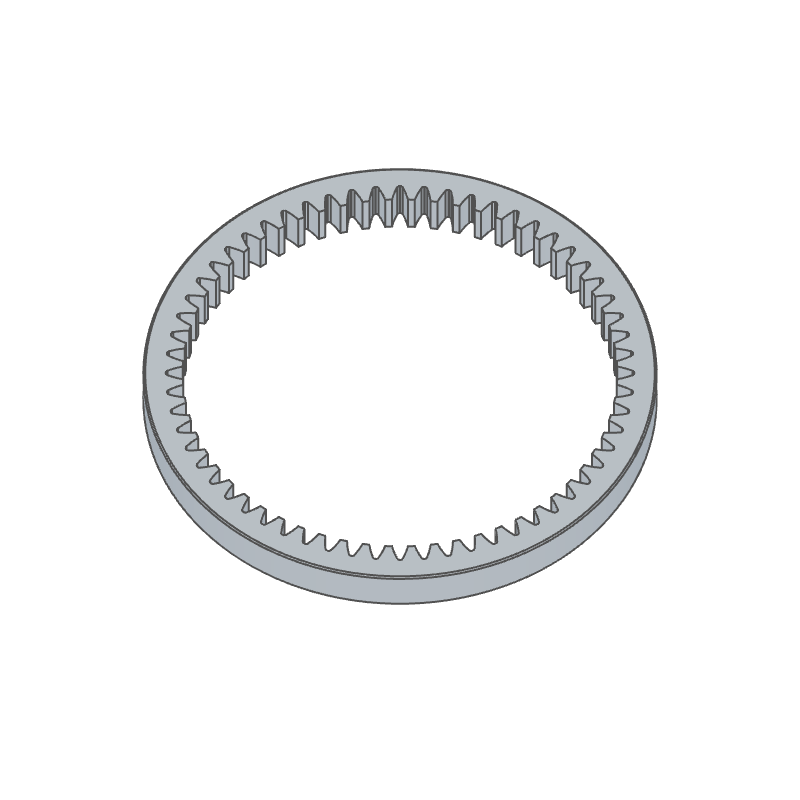
internalGear | internal-gear | a ring gear, checked against its mate for interference |
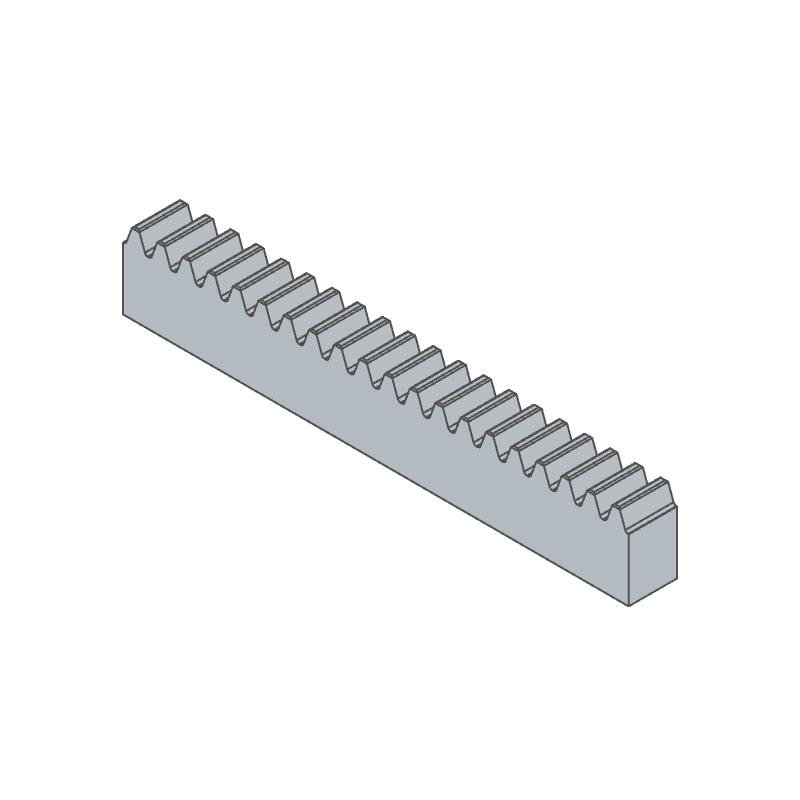
rack | rack | a straight or helical rack |
Layout
The package keeps what it shares in three folders. fluidcad pack ships them
and nothing else.
fluidcad.json   the package block (@fluidcad/gears)
features/       the gear features, their icons/ and option pictures (img/)
  lib/            plain ES modules the features import
    bspline.js      B-spline interpolation and adaptive fitting with measured deviation
    gear-math.js    gear geometry and standards (ISO 21771, ISO 53, ISO 54, KHK, AGMA)
    profile.js      exact 2D tooth profiles (involute, generated trochoid root, rack)
    tooth.js        the tooth values the dialogs share, and face sorting
    occ-gear.js     OpenCascade construction: toothed bodies, hub, bore, chamfers
    placement.js    the frame a feature stands on: face, edge, connector or plane
parts/          example gears, each on an `axis` connector
  mechanisms/     bases, a parametric spur gear, the reducer's shaft, the planet and carrier
assemblies/     gear mechanisms: mates plus gear / rack-and-pinion relations
These stay in the workspace and never ship: main.assembly.js (a scratch
model), init.js, tests/ (vitest unit tests for features/lib), tools/
(scripts that draw the icons) and the npm files.
Geometry
Tooth flanks are B-rep curves fitted to the exact equations: the involute, the root trochoid generated by the basic rack's tip round, and so on. The fits are non-rational B-splines in OpenCascade's convention (unique knots plus multiplicities) and each one reports the deviation it reached from the exact curve (default tolerance 1e-5 mm). Lines and circles stay analytic.
Assemblies
Each mechanism is one flat assembly(): it inserts the parts, grounds one,
puts every gear on a revolute mate (a rack on a slider) and couples the mates
with relation() in the same body — no relation inside a sub-assembly. Every
part starts where it meshes, so the file's poses set the mesh phase. Drive any
joint from the Joints panel and the rest follow.
| file | parts | relations | ratio |
|---|---|---|---|
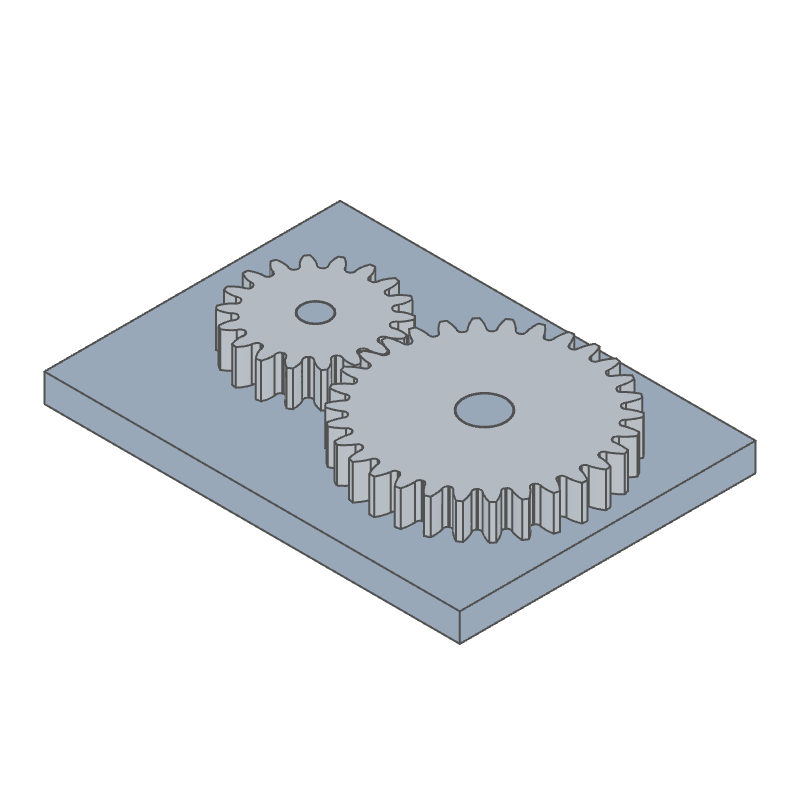
gear-pair.assembly.js | base, 18-tooth pinion, 30-tooth wheel (m 2) | gear 18/30, reversed | 1.667 : 1 |
reducer.assembly.js | base, 14-tooth input, 42/14 intermediate shaft, 42-tooth output (m 2) | two gear 14/42, reversed | 9 : 1, same sense |
internal-pair.assembly.js | base, 60-tooth ring, 24-tooth pinion (m 2) | gear 24/60, same sense | 2.5 : 1 |
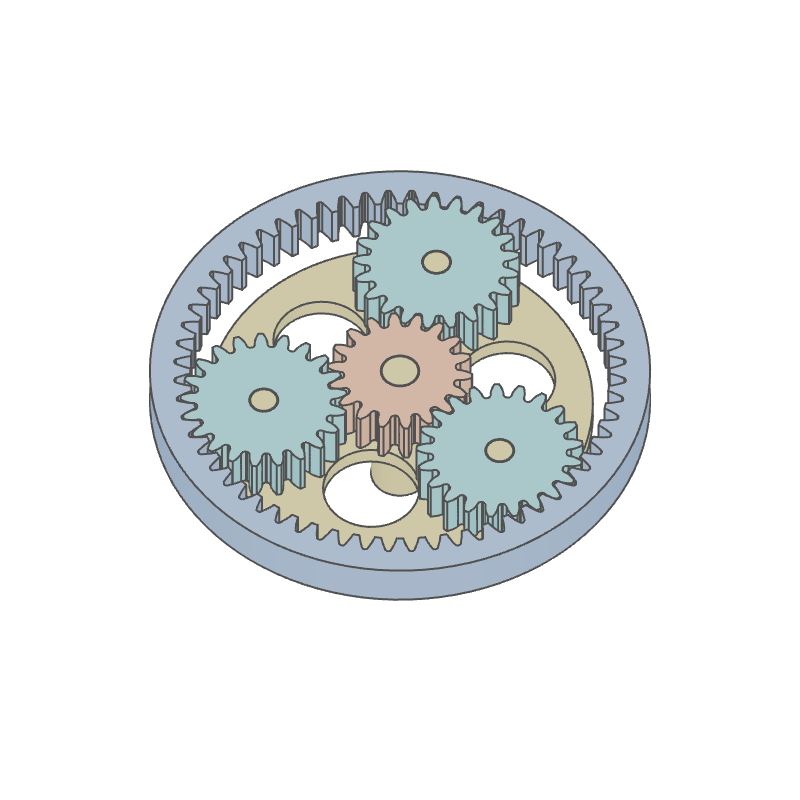
planetary.assembly.js | 60-tooth ring (grounded), carrier, 18-tooth sun, three 21-tooth planets (m 1.5) | ring–planet 60/21 ×3 reversed, carrier–sun 1 + 60/18 | sun : carrier 4.333 : 1 |
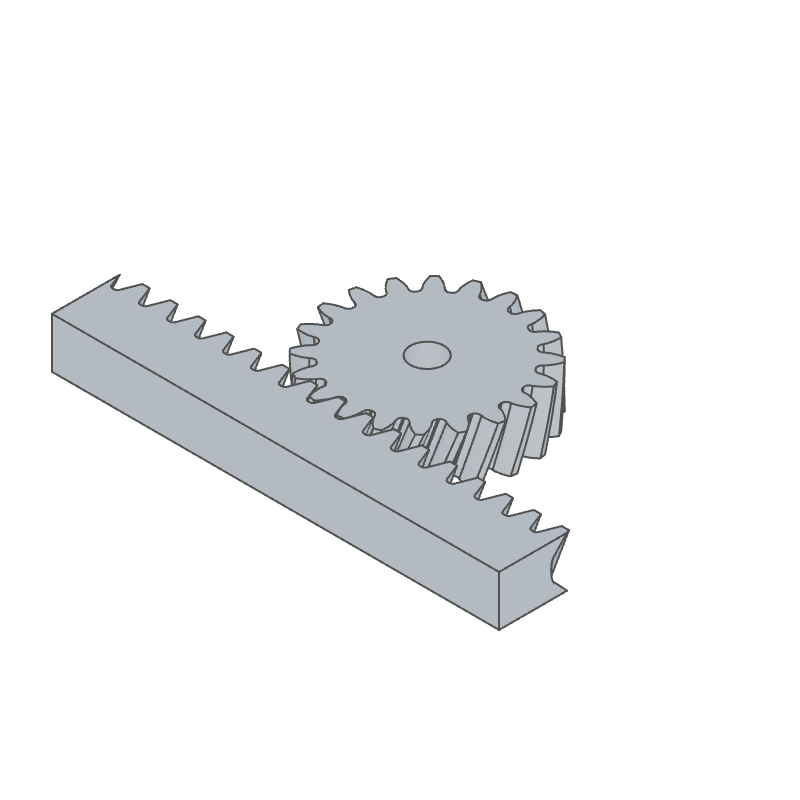
rack-drive.assembly.js | base, 20-tooth helical pinion (mn 2, 20°), helical rack | rack-and-pinion 2π r ≈ 133.73 mm/turn, reversed | 133.73 mm per turn |
In the planetary set the carrier and the sun turn on the ring's axis and the planets on the carrier's pins. Each ring–planet mesh is written in the carrier's frame (planet = −60/21 × carrier), and the sun–planet mesh comes out as the carrier–sun relation sun = (1 + 60/18) × carrier, so the sun's joint reads its absolute angle (see the file's comments for the derivation). Every relation is held exactly, so the train can be dragged from the sun, the carrier or any planet.
Development
npm install
npm test            # unit tests
npm run typecheck   # checkJs over the workspace
npx fluidcad pack   # → fluidcad-gears-<version>.fluidpkg
To release, raise the version with npx fluidcad version patch|minor|major,
pack, then npx fluidcad publish.

 Spur
Spur Helical
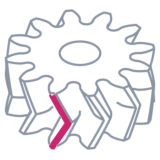 Herringbone
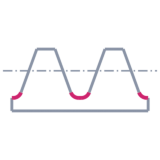 ISO 53 A
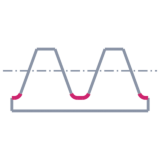 ISO 53 B
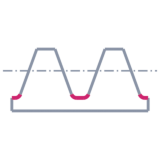 ISO 53 C
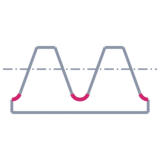 ISO 53 D
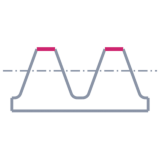 AGMA 20° full depth
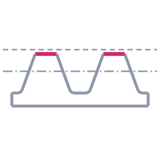 AGMA 20° stub
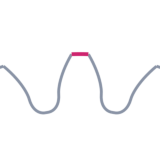 Sharp
Sharp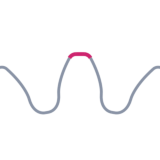 Round
Round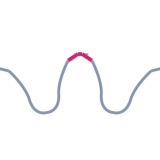 Chamfer
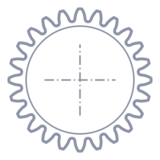 None
None Round
Round Keyway
 D flat
 Double D
 Hex
Hex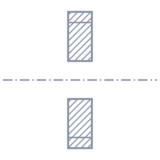 None
None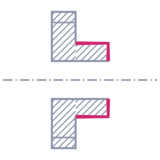 Front
Front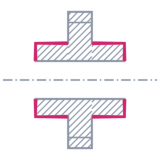 Both
Both

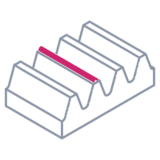 Straight
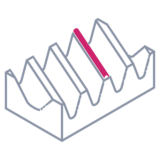 Helical